
gitleaks 扫描git存储库文件和目录中的敏感信息
本文转自 雨苁 并作补充
Gitleaks简介
Gitleaks 是一款 SAST 工具,用于检测和防止git repos 中的密码、API 密钥和令牌等硬编码机密。Gitleaks 是一款易于使用的一体化解决方案,用于检测代码中过去或现在的机密。
Gitleaks 是一款开源秘密扫描器,用于扫描 git 存储库、文件和目录。Gitleaks 拥有超过 1600 万次 docker 下载、1.7 万个 GitHub 星标、900 万次 GitHub 下载、每周数千次克隆和超过 70 万次自制软件安装,是安全专家、企业和开发人员最信赖的开源秘密扫描器。Gitleaks 由 Zach Rice维护。
使用示例
2
3
4
5
6
7
8
9
10
11
12
13
14
15
16
17
18
19
20
○
│╲
│ ○
○ ░
░ gitleaks
Finding: "export BUNDLE_ENTERPRISE__CONTRIBSYS__COM=cafebabe:deadbeef",
Secret: cafebabe:deadbeef
RuleID: sidekiq-secret
Entropy: 2.609850
File: cmd/generate/config/rules/sidekiq.go
Line: 23
Commit: cd5226711335c68be1e720b318b7bc3135a30eb2
Author: John
Email: john@users.noreply.github.com
Date: 2022-08-03T12:31:40Z
Fingerprint: cd5226711335c68be1e720b318b7bc3135a30eb2:cmd/generate/config/rules/sidekiq.go:sidekiq-secret:23
入门
Gitleaks 可以使用 Homebrew、Docker 或 Go 安装。Gitleaks 还提供了适用于许多流行平台和操作系统类型的二进制版本,发布页面上提供。此外,Gitleaks 可以直接在您的存储库中作为预提交钩子实现,也可以使用Gitleaks-Action作为 GitHub 操作实现。
安装
2
3
4
5
6
7
8
9
10
11
12
13
14
15
brew install gitleaks
# Docker (DockerHub)
docker pull zricethezav/gitleaks:latest
docker run -v ${path_to_host_folder_to_scan}:/path zricethezav/gitleaks:latest [命令] [选项] [源路径]
# Docker (ghcr.io)
docker pull ghcr.io/gitleaks/gitleaks:latest
docker run -v ${path_to_host_folder_to_scan}:/path ghcr.io/gitleaks/gitleaks:latest [命令] [选项] [源路径]
# 从源码安装 (确保已安装 go)
git clone https://github.com/gitleaks/gitleaks.git
cd gitleaks
make build
GitHub action
2
3
4
5
6
7
8
9
10
11
12
13
14
on: [pull_request, push, workflow_dispatch]
jobs:
scan:
name: gitleaks
runs-on: ubuntu-latest
steps:
- uses: actions/checkout@v3
with:
fetch-depth: 0
- uses: gitleaks/gitleaks-action@v2
env:
GITHUB_TOKEN: ${{ secrets.GITHUB_TOKEN }}
GITLEAKS_LICENSE: ${{ secrets.GITLEAKS_LICENSE}} # Only required for Organizations, not personal accounts.
Pre-Commit
- 从https://pre-commit.com/#install安装 precommit
.pre-commit-config.yaml在存储库的根目录创建一个包含以下内容的文件:repos: - repo: https://github.com/gitleaks/gitleaks rev: v8.19.0 hooks: - id: gitleaks用于本机执行 GitLeaks或使用gitleaks-docker预提交 ID通过官方 Docker 镜像执行 GitLeaks- 通过执行自动更新配置到最新的版本
pre-commit autoupdate- 安装
pre-commit install- 现在您已经一切就绪!
2
Detect hardcoded secrets.................................................Failed注意:要禁用 gitleaks 预提交钩子,你可以
SKIP=gitleaks在提交命令前面添加,这样它就会跳过运行 gitleaks
2
Detect hardcoded secrets................................................Skipped
用法
2
3
4
5
6
7
8
9
10
11
12
13
14
15
16
17
18
19
20
21
22
23
24
25
26
27
28
29
30
31
32
33
34
35
36
gitleaks [命令]
可用命令:
completion 为指定的 shell 生成自动补全脚本
dir 扫描目录或文件中的敏感信息
git 扫描 Git 仓库中的敏感信息
help 查看任意命令的帮助
stdin 从标准输入中检测敏感信息
version 显示 gitleaks 版本
选项:
-b, --baseline-path string 忽略某些问题的基准文件路径
-c, --config string 配置文件路径
优先级顺序:
1. --config/-c
2. 环境变量 GITLEAKS_CONFIG
3. (目标路径)/.gitleaks.toml
如果以上三者都未设置,gitleaks 将使用默认配置
--enable-rule strings 仅启用指定 ID 的规则
--exit-code int 检测到泄露信息时的退出代码(默认值为 1)
-i, --gitleaks-ignore-path string .gitleaksignore 文件或包含此文件的文件夹路径(默认值为 ".")
-h, --help gitleaks 帮助
--ignore-gitleaks-allow 忽略 gitleaks:allow 注释
-l, --log-level string 日志级别(trace, debug, info, warn, error, fatal)(默认 "info")
--max-decode-depth int 允许递归解码的最大深度(默认 "0",不进行解码)
--max-target-megabytes int 跳过大于该大小的文件
--no-banner 禁止显示横幅
--no-color 禁用彩色输出
--redact uint[=100] 在日志和标准输出中隐藏敏感信息。仅隐藏部分敏感信息可以设置百分比,例如 --redact=20(默认隐藏 100%)
-f, --report-format string 输出格式(json, csv, junit, sarif)(默认 "json")
-r, --report-path string 报告文件路径
-v, --verbose 显示扫描的详细输出
--version 显示 gitleaks 的版本信息
使用 "gitleaks [command] --help" 获取有关某个命令的更多信息。
命令
⚠️v8.19.0 引入了一项更改,即弃用了
detect和protect。这些命令仍然可用,但隐藏在--help菜单中。查看此要点以轻松进行命令翻译。如果您发现 v8.19.0 破坏了现有命令 (detect/protect),请打开问题。扫描模式有三种:
git、dir和stdin。
Git
该
git命令允许您扫描本地 git 存储库。在底层,gitleaks 使用命令来扫描补丁。您可以使用选项git log -p配置的行为。例如,如果您想对一系列提交运行 gitleaks,则可以使用以下命令:。有关更多信息,请参阅git log文档。如果没有将目标指定为位置参数,则 gitleaks 将尝试将当前工作目录扫描为 git 存储库。git log -p``log-opts``gitleaks git -v --log-opts="--all commitA..commitB" path_to_repo
目录
dir(别名包括files, )命令directory允许您扫描目录和文件。例如:gitleaks dir -v path_to_directory_or_file。如果没有将目标指定为位置参数,则 gitleaks 将扫描当前工作目录。
标准输入
你也可以用以下命令将数据传输到 gitleaks
stdin。例如:cat some_file | gitleaks -v stdin
创建基线
扫描大型存储库或具有较长历史的存储库时,使用基线会很方便。使用基线时,gitleaks 将忽略基线中存在的任何旧发现。基线可以是任何 gitleaks 报告。要创建 gitleaks 报告,请使用参数运行 gitleaks
--report-path。
一旦创建基线,就可以在再次运行检测命令时应用它:
使用 –baseline-path 参数运行detect命令后,报告输出(findings.json)将只包含新问题。
预提交钩子
pre-commit.py您可以将示例脚本复制到目录中,以将 Gitleaks 作为预提交钩子运行.git/hooks/。
配置
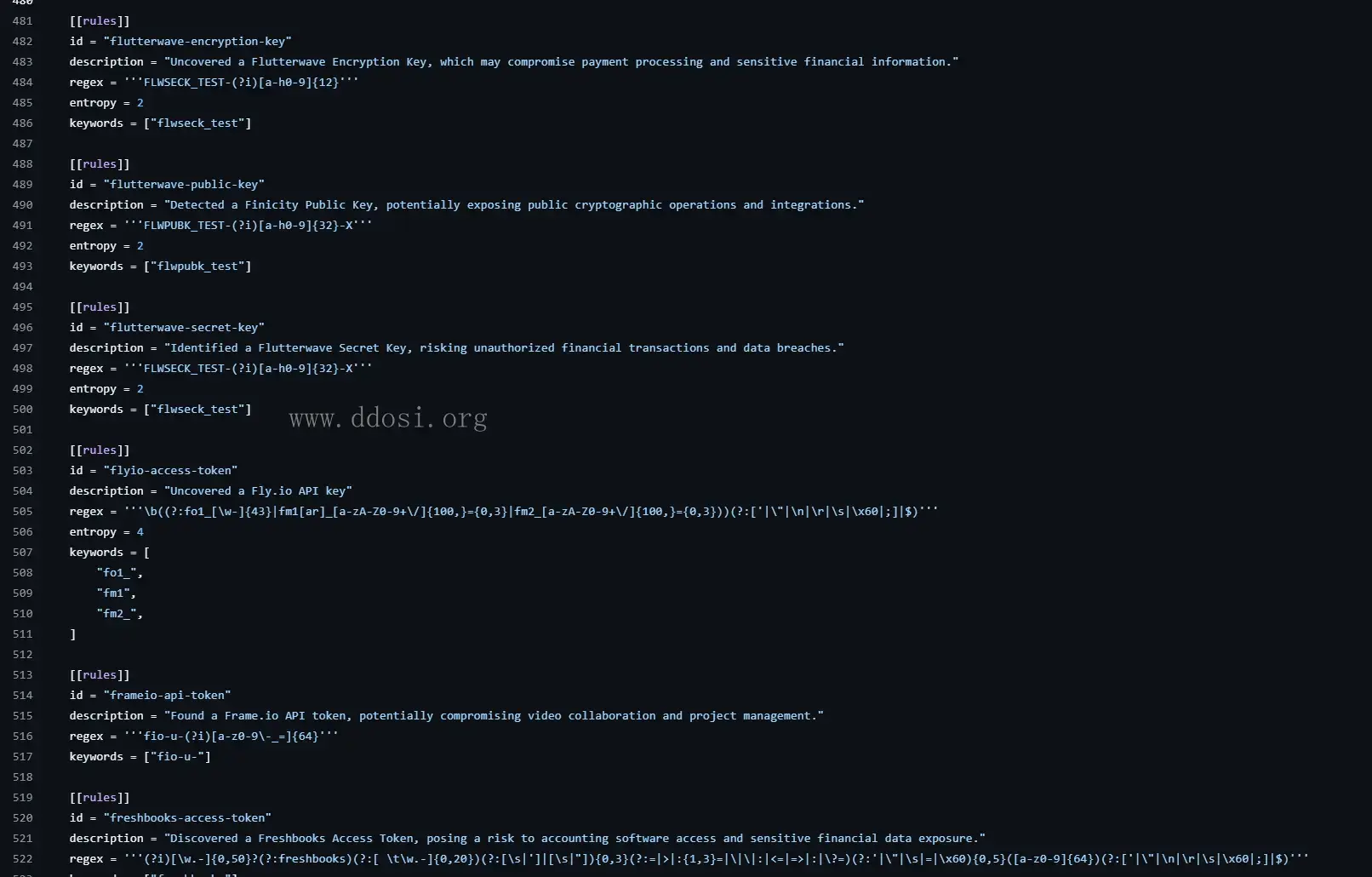
Gitleaks 提供了一种配置格式,您可以按照该格式编写自己的秘密检测规则:
请参阅默认gitleaks 配置以获取示例,或者如果您希望为默认配置做出贡献,请遵循贡献指南。此外,您还可以查看这篇涵盖高级配置设置的gitleaks 博客文章。
附加配置
gitleaks:允许
如果你故意提交 gitleaks 会捕获的测试机密,你可以
gitleaks:allow在该行中添加注释,指示 gitleaks 忽略该机密。例如:
2
discord_client_secret = '8dyfuiRyq=vVc3RRr_edRk-fK__JItpZ' #gitleaks:allow
.gitleaksignore
.gitleaksignore您可以通过在存储库根目录下创建一个文件来忽略特定发现。在版本 v8.10.0 中,GitleaksFingerprint为 Gitleaks 报告添加了一个值。每个泄漏或发现都有一个指纹,可以唯一地标识一个秘密。将此指纹添加到.gitleaksignore文件中以忽略该特定秘密。有关示例,请参阅 Gitleaks 的.gitleaksignore。注意:此功能是实验性的,将来可能会发生变化。
解码
有时秘密的编码方式使得仅使用正则表达式很难找到它们。现在您可以告诉 gitleaks 自动查找和解码编码文本。该标志
--max-decode-depth启用此功能(默认值“0”表示默认情况下禁用该功能)。由于解码的文本也可以包含编码的文本,因此支持递归解码。该标志
--max-decode-depth设置递归限制。当没有新的编码文本段需要解码时,递归将停止,因此设置非常高的最大深度并不意味着它会进行那么多遍。它只会进行解码文本所需的次数。总体而言,解码只会稍微增加扫描时间。编码文本的发现与正常发现有以下不同:
- 该位置指向编码文本的边界
- 如果规则在编码文本之外匹配,则边界也会调整以包括该文本
- 匹配和秘密包含解码的值
- 添加了两个标签
decoded:<encoding>,decode-depth:<depth>目前支持的编码:
base64(标准和 base64url)